
UI template: Branding
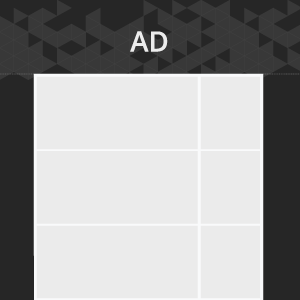
An ad format is a web page branding with a single image panel. An image is used as the branding panel.
Inventory Compatibility:
Local inventory (direct publisher zones) only.
General requirements
An image is used as the branding panel. When developing the branding panel, it is necessary to take into account the layout of the page where the creative will be placed: content width, background color, padding, and the visible part of the branding relative to the content, considering the screen resolutions of the most commonly used devices.
Format requirements
File type
- .png, .jpg, .jpeg, .gif
File size
- max 300 Kb
Template Settings
The template settings are available in the UI.
Banner
- Width — banner width; defined automatically on image loading
- Height — banner height; defined automatically on image loading
Banner position
- Fixed – the panel is pinned and does not move while scrolling.
- Floating – the panel is floating and appears on top of the content.
- Scroll – the panel scrolls along with the page.
Top:
Specifies the top margin from the browser page.
Background color:
You can select a shade from the palette or manually enter the color value in RGB, HSL or HEX.
Event tracking
- View
- Confirmed view
- Click
– Uses the main thread for more than 60 seconds in total
– Uses the main thread for more than 15 seconds in any 30-second window
– Uses more than 4 megabytes of network bandwidth
For any questions regarding ad manuals please contact the support manager of your account.